KARTA
From a single scan to individual documents
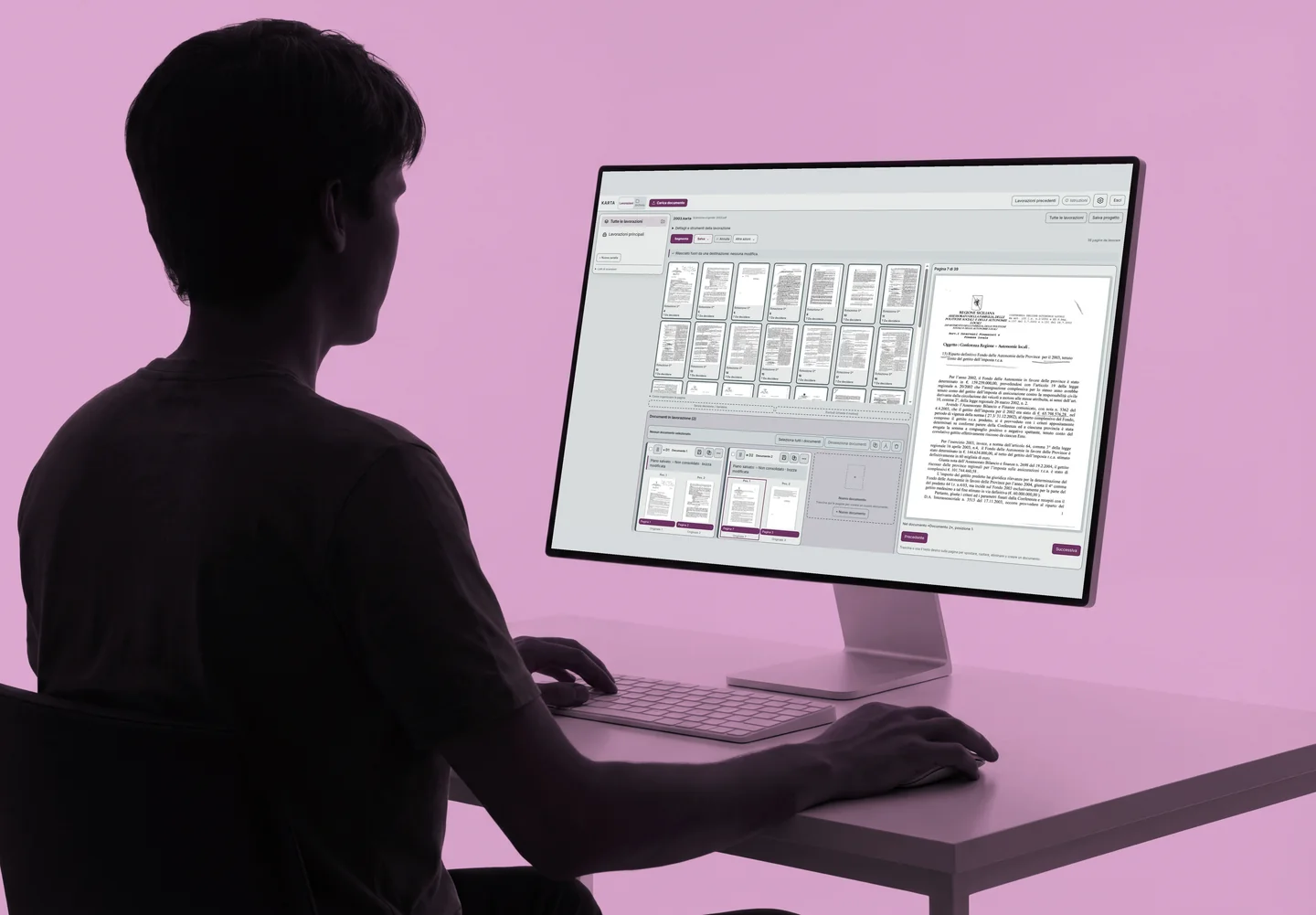
The scanner produces a single PDF. KARTA suggests which pages belong together and helps identify the type of document. The person processing the batch reviews the suggestions before saving.
The KARTA workspace
SEGMENTA
SEGMENTA suggests where one document ends and the next begins. You can confirm or correct the groups before saving.
Linking paper to digital records
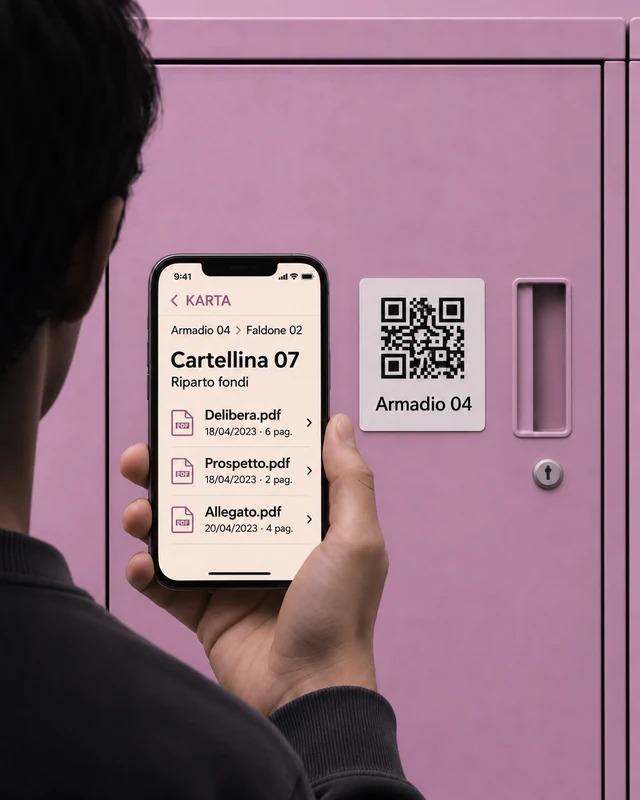
QR labels are planned for folders, binders, and cabinets. Scanning a code will open the corresponding digital records.
From scanning to searching
Documents separated with KARTA can go into an archive you can search with KDOCS.
Explore KDOCS All products